
Industrial Tablet PC
2025-04-01
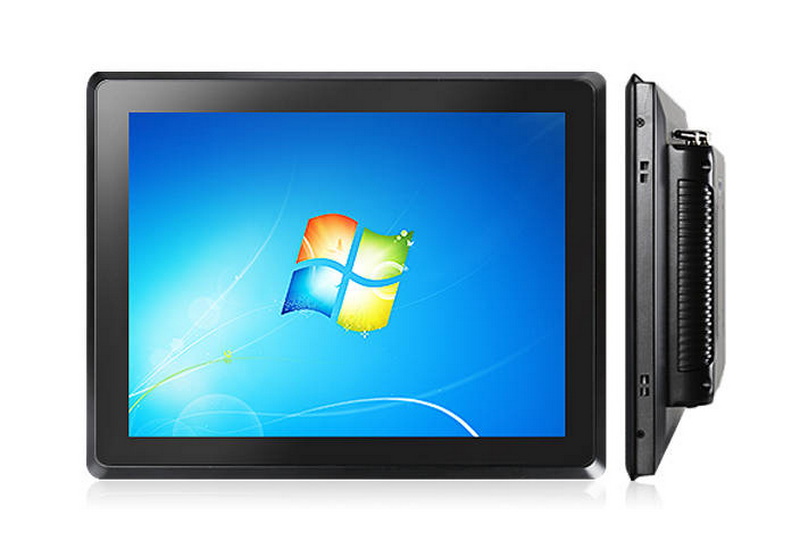
How to properly clean industrial tablet PCs when used for long periods of time?
Industrial tablet PC after a long time, the computer host and display internal and external will be more or less sticky with dust and spoils, if not cleaned up, will affect the normal operation of the industrial tablet PC, then how do we clean it? The following touch intelligent small editor to give you a detailed introduction.
1, prepare tools: to prepare more tools, you need to cleaner (bring your own sponge block), wash the ear ball, hair dryer, paintbrush, soft rags, erasers, alcohol, cotton balls, etc., but also need to prepare a cross screwdriver and anti-static wrist strap.
2, dismantle the machine: wear a good anti-static wrist strap after dismantling the industrial tablet PC chassis. After a period of time, the parts in the chassis of the industrial tablet PC will be very dirty, especially where there is a heat sink, so it is necessary to dismantle it one by one to clean it.
3, clean CPU: remove the CPU fan, separate the small fan and heat sink. When cleaning, first use a paintbrush to brush, and then use the earwash ball to blow. Some blades are more dense, and the surface of the ‘Feng’ type fine lines of the heatsink is more difficult to clean, you can use a paper towel wrapped in a key, and then push the key into the slot of the heatsink, which can be cleaned more thoroughly. Wipe it and then blow on it with an earwash ball. This method can also be used to clean the chipset or display chip on the heat sink.
4, clean the motherboard: If the motherboard is not too dirty, there is no need to remove it. After brushing with a paintbrush, and then use a hairdryer even with the motherboard chassis walls are blown, pay attention to the control of the blowing time and distance, if the motherboard is very dirty, you need to remove the motherboard from the chassis. Use a paintbrush to roughly sweep the floating dust, front and back sides of the brush. Be careful to clean out any hairs that fall off the brush. Then use the earwash ball to blow the various slots and corners that have not been brushed clean.
5, expansion cards and memory dust: first take out the graphics card, sound card, network card and other expansion cards, cards on the dust can be the first to sweep with a paintbrush. Note that when cleaning do not in the industrial tablet PC side, or raise the dust and fall back, that can be done for nothing, the latter operation is the same. Blow with an earwax ball on the expansion card ‘hygiene’ dead ends, such as components near the pins. Then use a paintbrush to brush.
6, clean the expansion card gold finger: use an eraser to wipe the board on the gold finger. Be sure to choose the elasticity of the pencil eraser, if the rubber is too hard and too rough, it may cause wear and tear of the gold finger.
7, clean hard drive: hard drive metal casing can be wiped with a paper towel or dry soft cloth, the circuit board to use a paintbrush to brush away the dust.
8, clean the connection line: hard drive cleaning is completed on the cleaning of various connections, with paper towels or dry cloth to wipe the data line and power line.
9, clean chassis: chassis of the internal and external walls need to be cleaned. The inner wall of the cleaning has been mentioned earlier, if the chassis of dust and dirt more, should be in the hairdryer blowing before a dry cloth to wipe off the dust and spoils. To clean the outside of the chassis, first wipe off the dust with a dry cloth, then use a sponge dipped in detergent and then scrub. After the sponge is dirty, wash it with water and dry it before using it again. After the completion of the cleaning can be cleaned before the steps to install the parts back, cover the chassis cover, the host part of this clean up.
10, clean industrial monitors: industrial monitor cleaning is divided into two parts, respectively, is to clean the industrial monitor shell and clean touch screen. Clean industrial monitors to ensure that cut off the power supply, do not use water dripping rags or sponges, especially when scrubbing the upper cooling holes, it is best to use a dry cloth, in order to prevent the display into the water accident occurred. Clean the touch display case with the same method of cleaning the outside of the chassis, use a cleaning agent to clean. Clean the display first with a wrung out soft cloth, and then gently wipe it over with a paper towel. Be careful never to wipe with organic solvents such as alcohol! The screen surface of many displays is coated with a permeability enhancement film, and organic solvents will cause damage to it.
The above is the touch think smart editorial about the cleanup of the tablet PC to share. We in the daily use of industrial tablet PC in the process, be sure to regularly clean the host and display of industrial tablet PC dust removal work to ensure that the equipment can be stable and uninterrupted operation.
Touch Screen Queuing Machine
POE power supply
Related Article
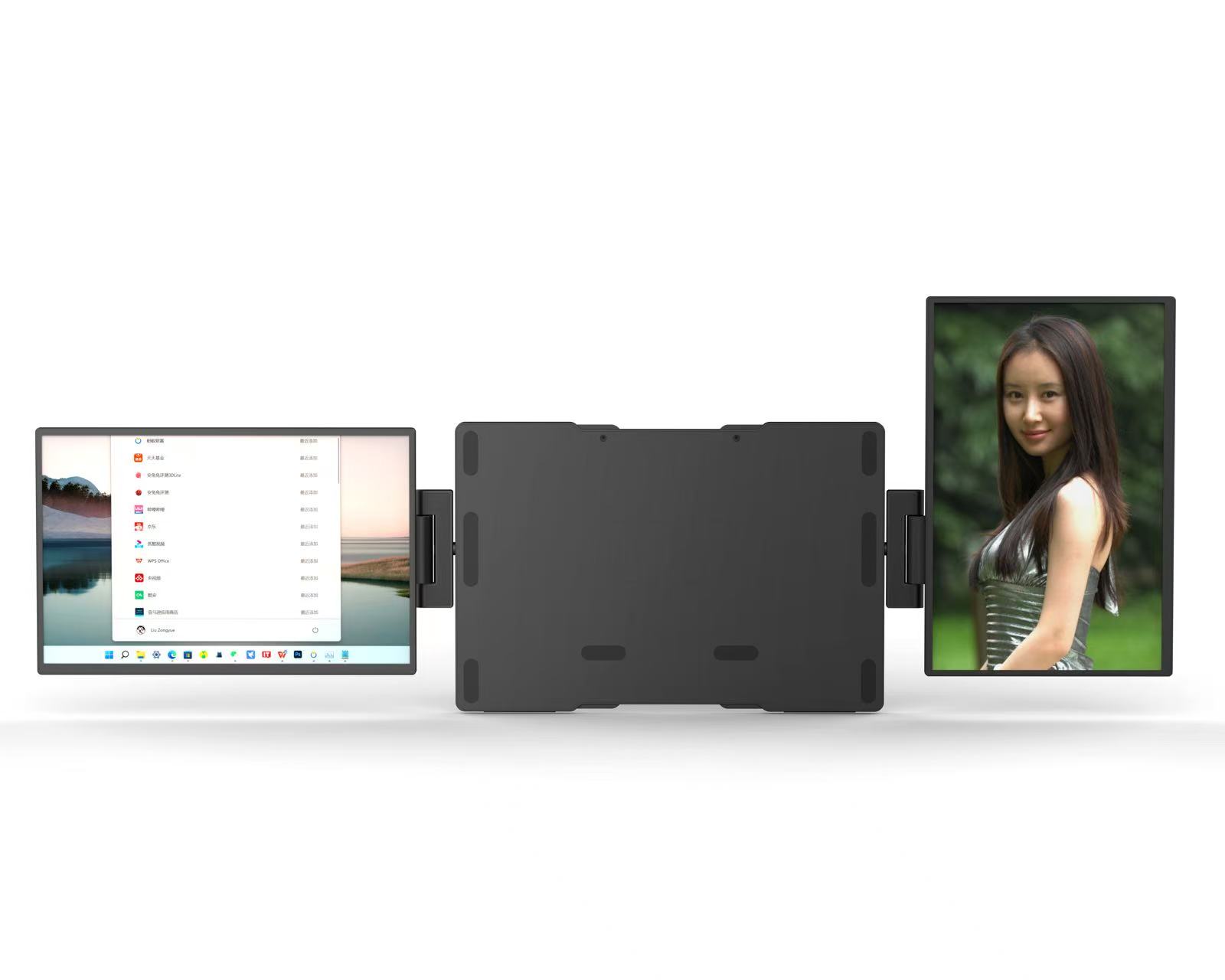
We have launched a brand-new 15.6-inch dual-screen portable monitor, which redefines the mobile office and entertainment experience with its flexible form and powerful expandability.
Dual-screen view, flip as you wish-----A brand-new 360° flip dual-screen portable monitor is now available
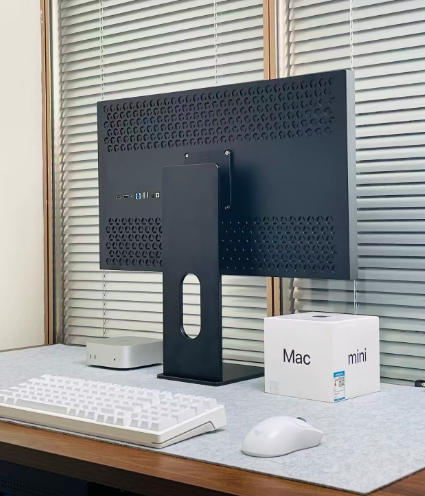
We are delighted to present to you the brand-new generation of monitors - the Super Sense Series. It is not merely a screen; it is a perfect blend of technology and aesthetics. It adopts a one-piece formed black matte shell, which is understated yet powerful, and simple yet high-end. Whether placed in a modern office space or integrated into a home entertainment environment, it will become a striking sight, interpreting the design philosophy of "fashion is function" in every detail.
The brand-new visual flagship: Super Sensory Series monitors, defining a new height of your visual world
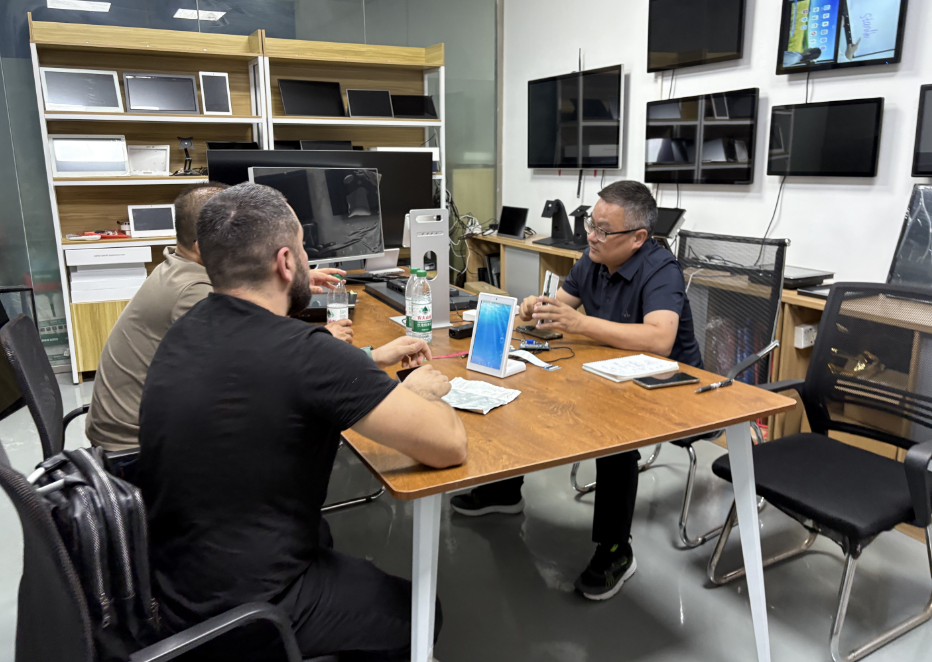
(Shenzhen, China) – Shenzhen Abrui Display Technology Co., Ltd. recently welcomed visiting partners from Russia. During this visit, both parties engaged in an in-depth and productive technical discussion regarding a critical 5.7-inch customized display project. Following the meeting, the Russian client successfully completed sample acceptance and sampling procedures, marking a substantive advancement in their collaborative efforts.
Russian Partners Visit Shenzhen Abrui Display for Key 5.7-Inch Display Project
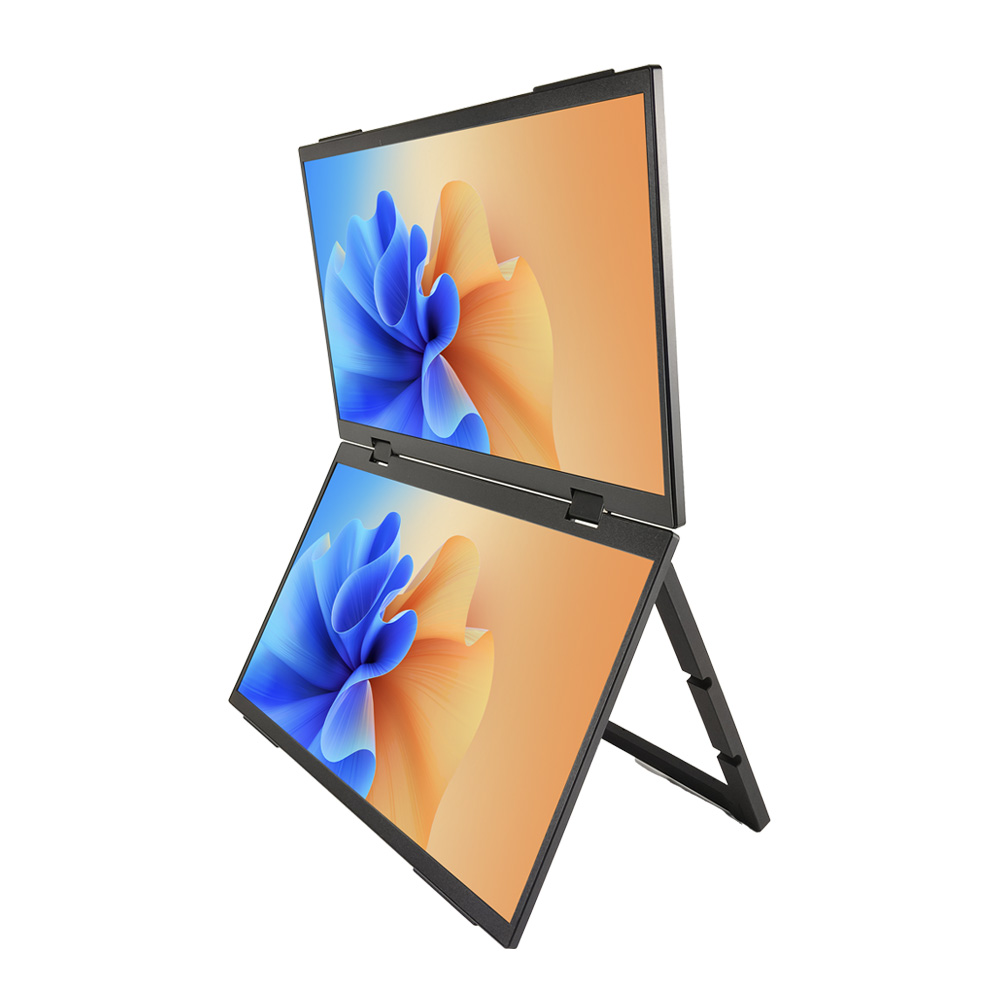
In the fast-paced modern life, how can one efficiently balance work and entertainment? Our newly launched 15.6-inch dual-screen portable monitor is the perfect solution tailored for you. This innovative product will completely transform your multitasking experience, making efficiency and fun within easy reach.
Dual-screen vision, work and entertainment at your fingertips - The brand-new 15.6-inch dual-screen portable monitor makes its debut